

Live kitchen queue
Tickets from every channel in one queue: online orders, bookings and dine-in. Filter and search to find any ticket.


Restaurant dashboard
Every online order, booking and dine-in ticket lands in one live kitchen queue. Follow orders, stats and your menu from the same screen.
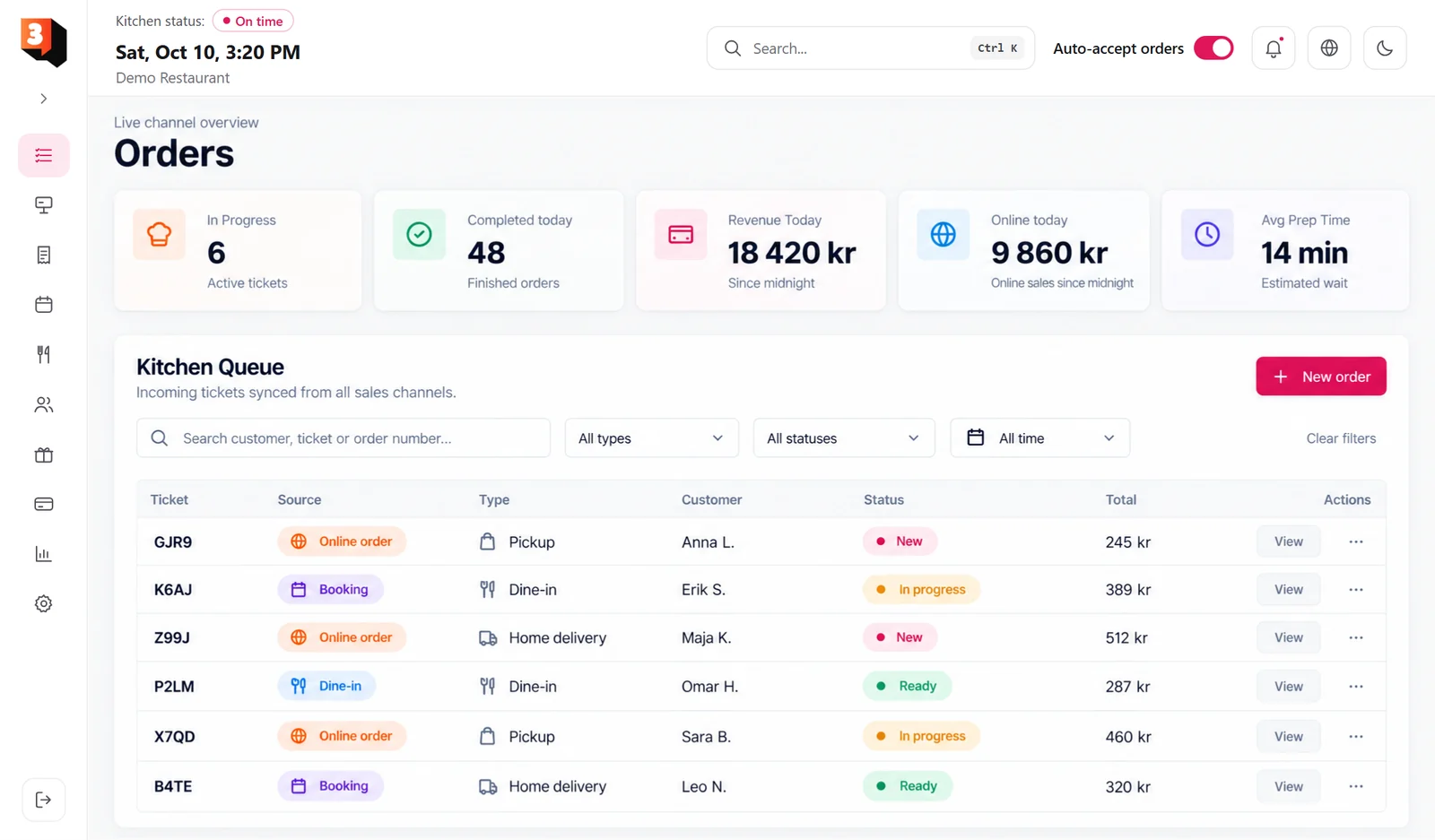
Tickets from every channel in one queue: online orders, bookings and dine-in. Filter and search to find any ticket.

See tickets in progress, completed today, revenue today, online sales and average prep time, all updated live.

Turn on auto-accept or accept orders by hand. A sound alert and notifications tell you when a new ticket arrives.

Check the booking list and the booking calendar, and keep an eye on the waitlist.

A customer list with spend and bookings, plus gift cards and lunch cards. Lunch cards can be scanned by QR.

Set opening hours, delivery zones, VAT and printers. Switch between Swedish and English, and light or dark theme.
See revenue, orders and average order value for any period. The report splits sales by VAT and can be exported as CSV.
159 900 kr
Choose which fields appear on the ticket, check the live preview, and print it on your kitchen printer.
Line price
Demo Restaurant
#4821
PICKUP
Note: No coriander, please
Total483 kr
incl. VAT 12% 51,75
Sort dishes into categories, set prices and add-ons, and create offers and combos. Lunch has its own planner.
 Vegetable Samosa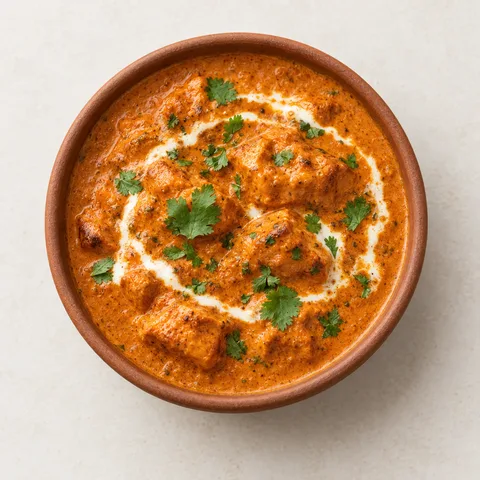
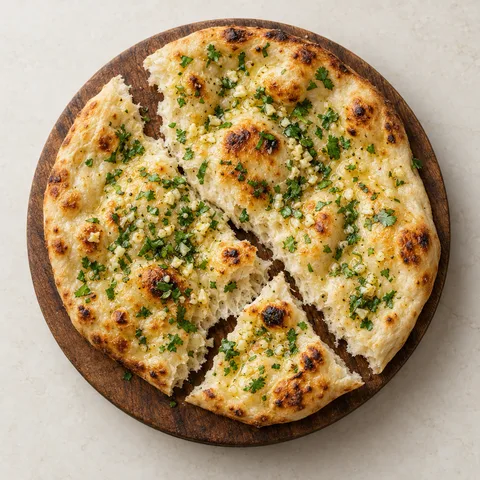

Butter Chicken, naan and lassi
“Pickup, delivery and dine-in land in one list, so nothing gets lost on a busy Friday. Auto-accept and the sound alert keep the kitchen moving.”
Yes. Online orders, bookings and dine-in tickets all show in the same kitchen queue, with filters for type and status.
Yes. Switch between Swedish and English in the header, and choose a light or dark theme.
Yes. Design the ticket layout in settings, check the live preview, and print it on your kitchen printer.
Open Analytics and the Report tab. It shows gross, VAT and net sales, and you can export the sales as CSV.
Yes. Auto-accept is a switch in the header, so you can accept each order by hand whenever you want.
Online orderingYour own order page for pickup and deliveryLearn more Table bookingBookings in four quick stepsLearn more
 POSTake orders and payments at the counterComing soon
Enables security and basic functions. Always on.
Enables personalised content and personal settings.
Makes it possible to measure how the site is used.
Enables ad personalisation and tracking.